Bit Bolt Lab
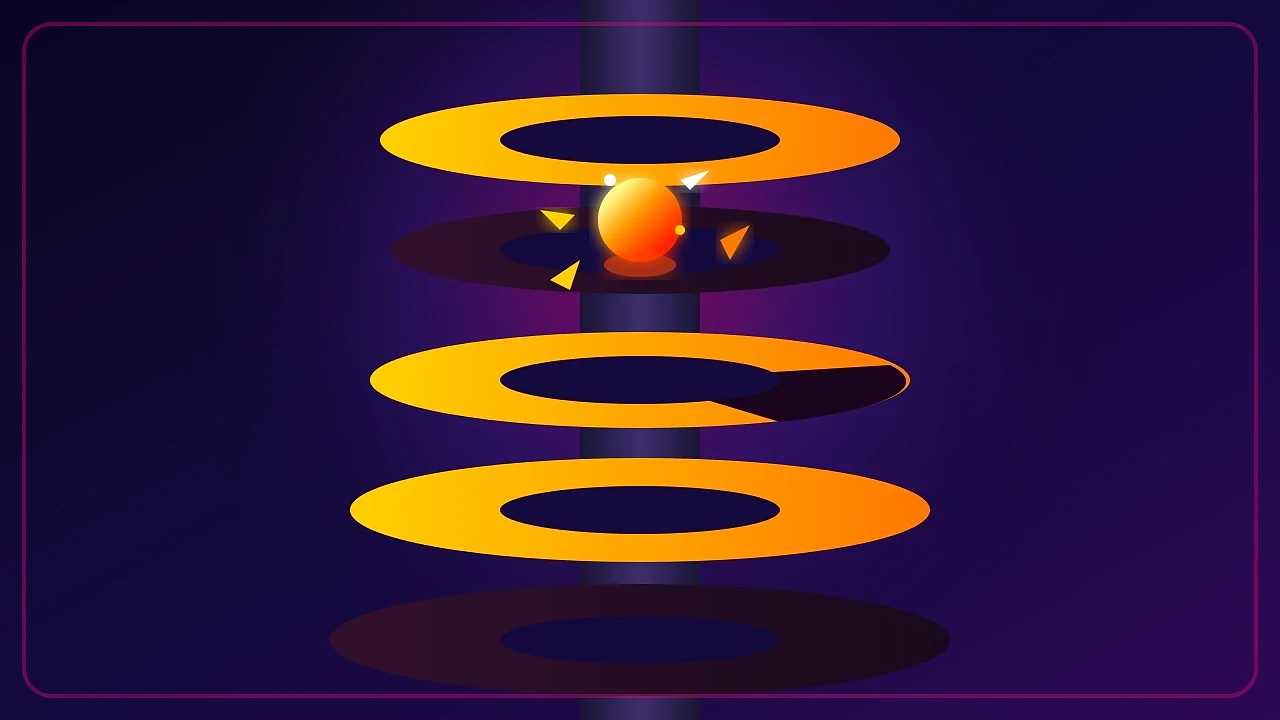
puzzleA one-tap screw-out puzzle where removing pins drops layered plates and fills target crates.
COLLECTION
Play one-thumb games free online with touch-first controls and clear mechanics. No download or account needed to get started.
31 games · Free to play
Browse all gamesTry another title or game type. Your next little win is in here somewhere.
A one-thumb game has to survive being played on a phone, standing up, with one hand. That rules out multi-touch gestures, precision steering and controls parked in the far corner of the screen. The games here are built around a single drag, tap or swipe within comfortable reach: slide a car along its lane, pull a pin, draw one line, change lane in a three-lane runner. Each still works with a mouse or keyboard on a desktop, so a one-thumb design is a floor on accessibility rather than a ceiling on where you can play.
A single drag, tap or swipe covers the core action — no chorded gestures and no second thumb required.
Interactive elements sit inside natural thumb range in portrait rather than along the top edge of the screen.
Every one-thumb game maps its touch action to keys and clicks, so nothing here is mobile-only.
The constraint is stricter than "works on a phone". A game is one-thumb only if it can be played on a phone, in portrait, held in one hand — and that eliminates a surprising amount of standard mobile design.
No pinch, twist or multi-finger gestures anywhere in the core loop, because the second hand is holding nothing. No precision steering, because thumb travel is an arc rather than a line. No controls parked along the top edge or in the far corner, because those are exactly the regions a thumb cannot reach without regripping.
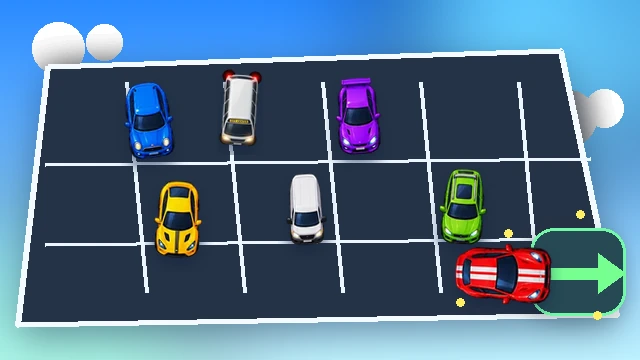
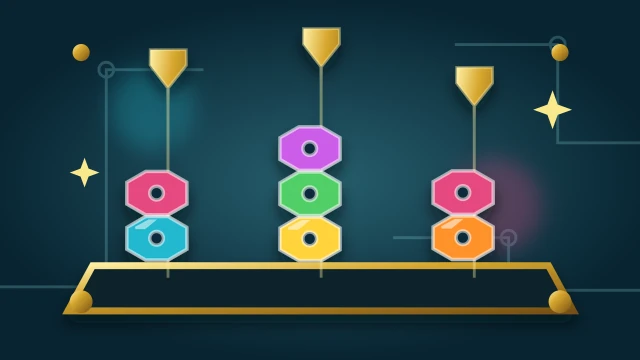
What remains is one input at a time within comfortable reach: slide a car along its lane, pull a pin, draw a single line, change lane in a three-lane runner, tap the top nut on a bolt. The mechanic has to survive that reduction, which is a useful filter — a game that still works with one thumb usually has a clear idea at its centre.
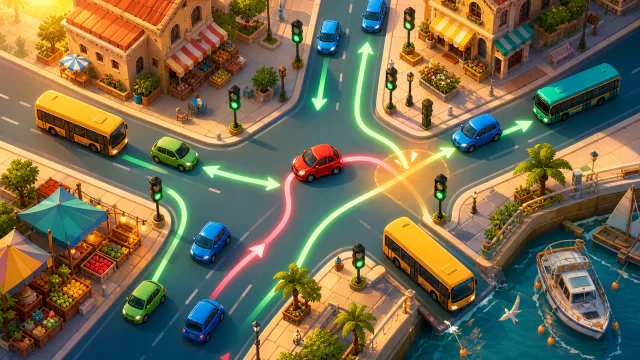
Designing for the narrower case does not mean abandoning the wider one. Every game here maps its touch action to a mouse and keyboard equivalent, and several go further: Traffic Tangle supports keyboard selection and release with dedicated hint, undo and restart keys, and Mahjong Lounge's controls are keyboard-accessible throughout.
Reachability is also an accessibility property, not just a convenience. Larger, closer targets help anyone with limited fine motor control, and the same discipline that keeps a button inside thumb range keeps it comfortably clickable.
Colour is never the only signal. Vehicle roof symbols, nut glyphs and obstacle silhouettes stay distinguishable without it, so the games remain readable on a dim phone screen outdoors as well as to players who do not separate those colours. Each game page lists the orientations it handles.
The whole game can be played with a single thumb in portrait: one drag, tap or swipe at a time, with controls inside comfortable reach and no pinch, twist or multi-finger gesture anywhere in the core loop.
Yes. Each one maps its touch action to a mouse and keyboard equivalent, and several add keyboard selection and shortcuts for hints, undo and restart.
No. These are designed portrait-first for phones. Some also support landscape, and each game page lists the orientations it handles.