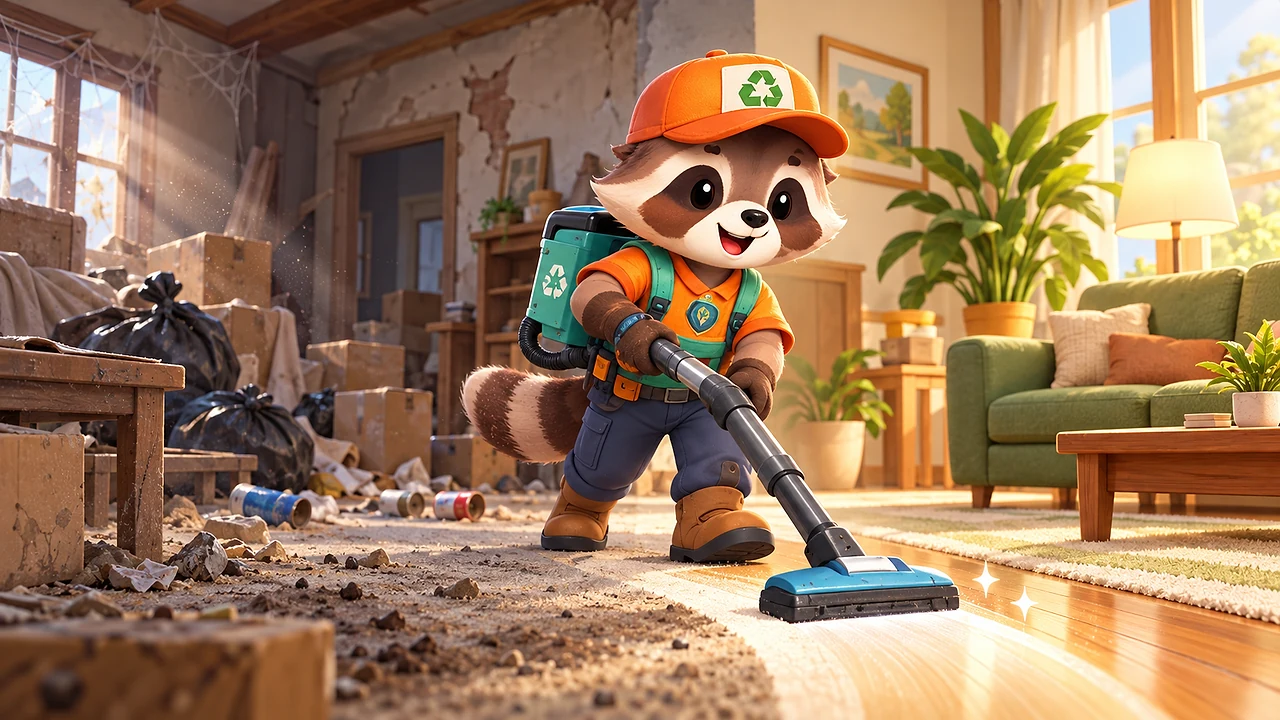
Bop Restore is a free, calm cleaning and restoration game by BopBits. You play a raccoon restorer with a backpack vacuum. Sweep dust off warm wooden floors, suck up cans, boxes and bags, carry the full tank out to the recycling bin, and collect the cash it pays. Spend it on a wider nozzle or a bigger tank, repair the wall the junk was hiding, place a sofa, and reopen the room.
Session4–6 min
DifficultyEasy to learn
CostFree to play
Guide updated
Game build1.4.3 ·
Controls
Drag anywhere on touch devices to walk; the vacuum works on its own wherever the nozzle touches.
Use WASD or the arrow keys on desktop. Stand on the bin pad, the cash tray or a price pad to use it.
Tips
Sweep in long, straight passes: dark grime needs a second pass, so come back over it rather than standing still.
A full tank stops the nozzle, so plan each trip to the bin around a patch you can finish.
Buy the Big Tank first if trips feel frequent; buy the Wide Nozzle if the floor feels slow.
What is Bop Restore?
Bop Restore is a 3D cleaning and restoration game. A neglected living room waits under a layer of dust, cans, bottles, boxes and trash bags. You play a raccoon restorer in an orange cap with a teal backpack vacuum, and every step you take leaves a clean stripe of warm planks behind the nozzle. When the room is spotless, the wall is fixed and a sofa is in, the room reopens and the lights turn warm.
How to play Bop Restore
Walk with a drag on touch screens or WASD and the arrow keys on a keyboard. The vacuum works by itself: the nozzle lifts dust off the floor and pulls in any junk it reaches. Everything goes into your tank, and a full tank stops the nozzle. Walk out onto the porch and stand on the recycling bin pad; the tank empties piece by piece and the bin pays out cash bundles onto its tray. Walk past the tray to pick them up.
Upgrades, repairs and reopening
Spend cash by standing on a price pad on the porch:
Big Tank doubles what you can carry between trips.
Wide Nozzle doubles the width of every stroke.
Clearing the junk pile against the back wall reveals a hole in the plaster. Pay for the repair and your restorer hammers new boards into place. Then place a blue sofa where the damage was. Once the floor, the junk, the wall and the sofa are all done, the room reopens, a before-and-after card shows the change, and your first rent arrives at the mailbox.
The reopened living room opens the kitchen door. Its greasy tiles need the Scrubber, a second tool you switch to, and a broken cabinet hides under the grease. Restore the kitchen and the garden gate opens onto Birch Cottage next door: an overgrown patio where moss only comes off with a pressure Washer, a rotten deck waits under the moss, and you choose one garden set, a picnic table or a parasol.
Frequently asked questions
Can I play Bop Restore in my browser?
Yes. Bop Restore runs in WebGL in any modern browser on desktop, tablet or phone, with no download or account.
Is there a timer or a way to fail?
No. There is no clock and no fail state. Clean at your own pace; the room waits for you.
How many places are there to restore?
Three: the living room and kitchen of the house on Maple Lane, and Birch Cottage next door. When all three are restored the game says so plainly; more properties are not in this version yet.
Does my progress save?
Yes. Progress is saved on your device automatically, including what is in your tank and on the cash tray.
Guides that cover Bop Restore — Clean & Repair
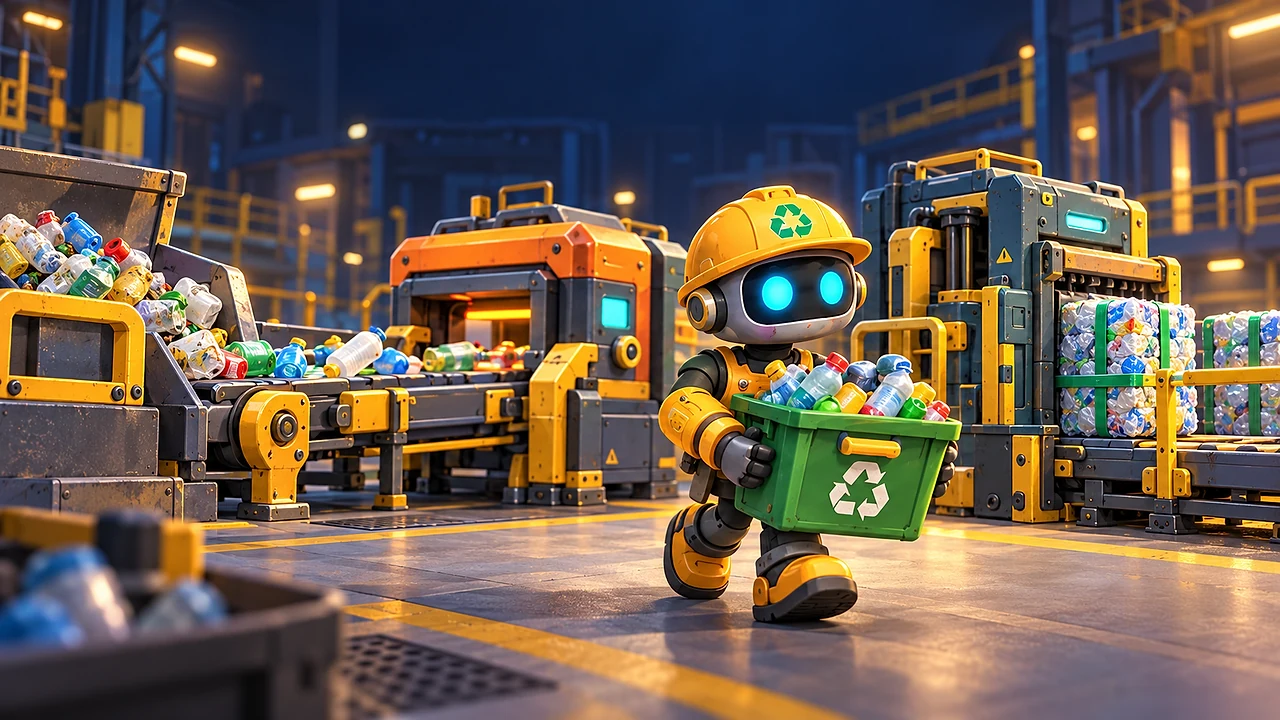
Cleaning, Recycling or Running a Gas Station? — Compare Bop Restore, Bop Scrapworks and Bop Stop: a room-cleaning game, a recycling factory and a gas-station simulator, with practical first-session tips.
KEEP PLAYING
Related games
Try another BopBits game with a different kind of quick decision.